
Unified channels
Bring web and app chat, email, inquiry forms and call notes into one conversation flow. Channels are connected step by step within the agreed scope.
AI support, on your customer’s time.
An always-on AI contact center for TripTok and eSIMoa. StageAI connects travel and eSIM guidance with the wider customer support workflow.
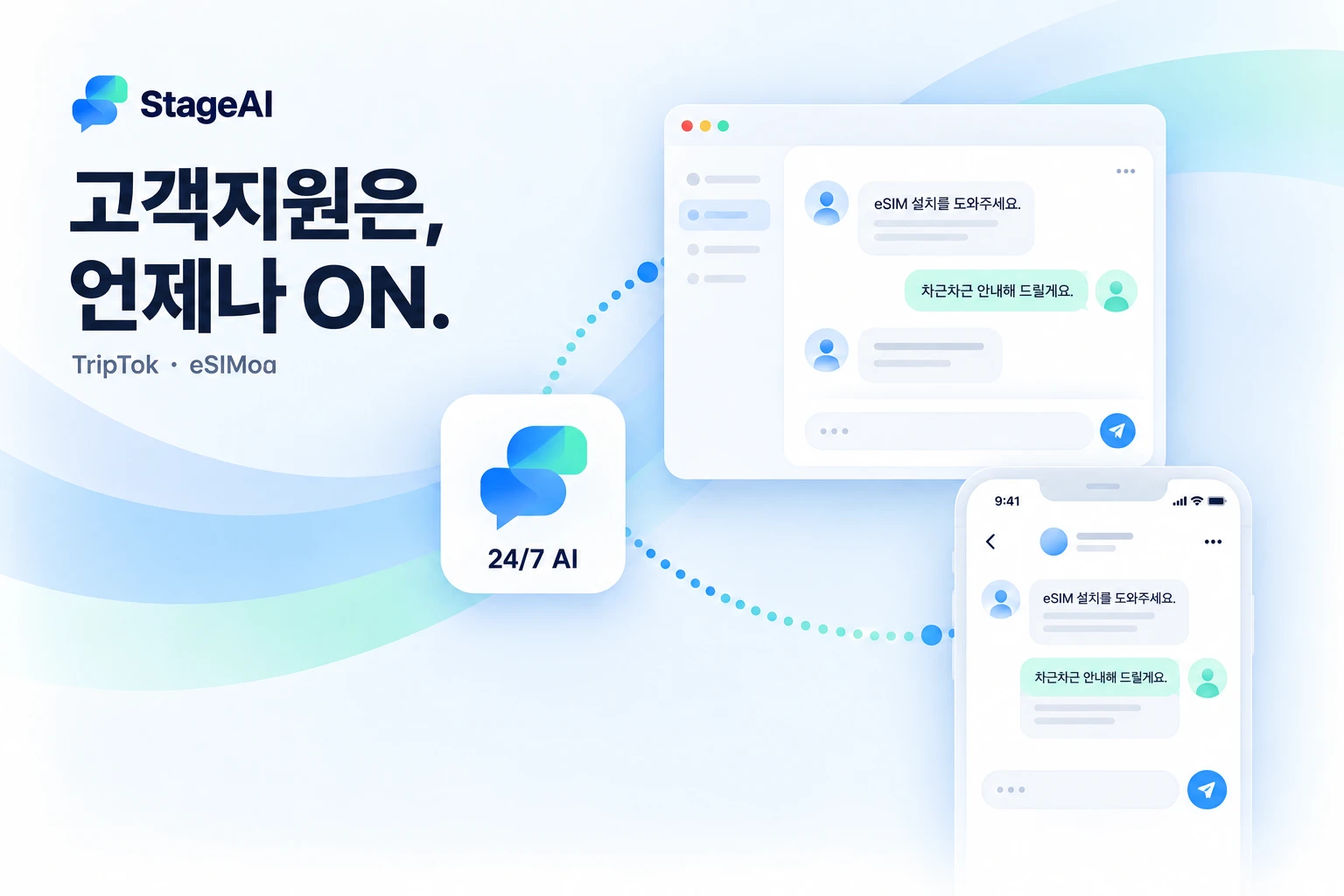
From eSIM setup before departure to connectivity questions abroad, StageAI is a customer support brand built around the moment help is needed. Service knowledge and business procedures guide responses, while requests requiring judgment move to an appropriate follow-up workflow.
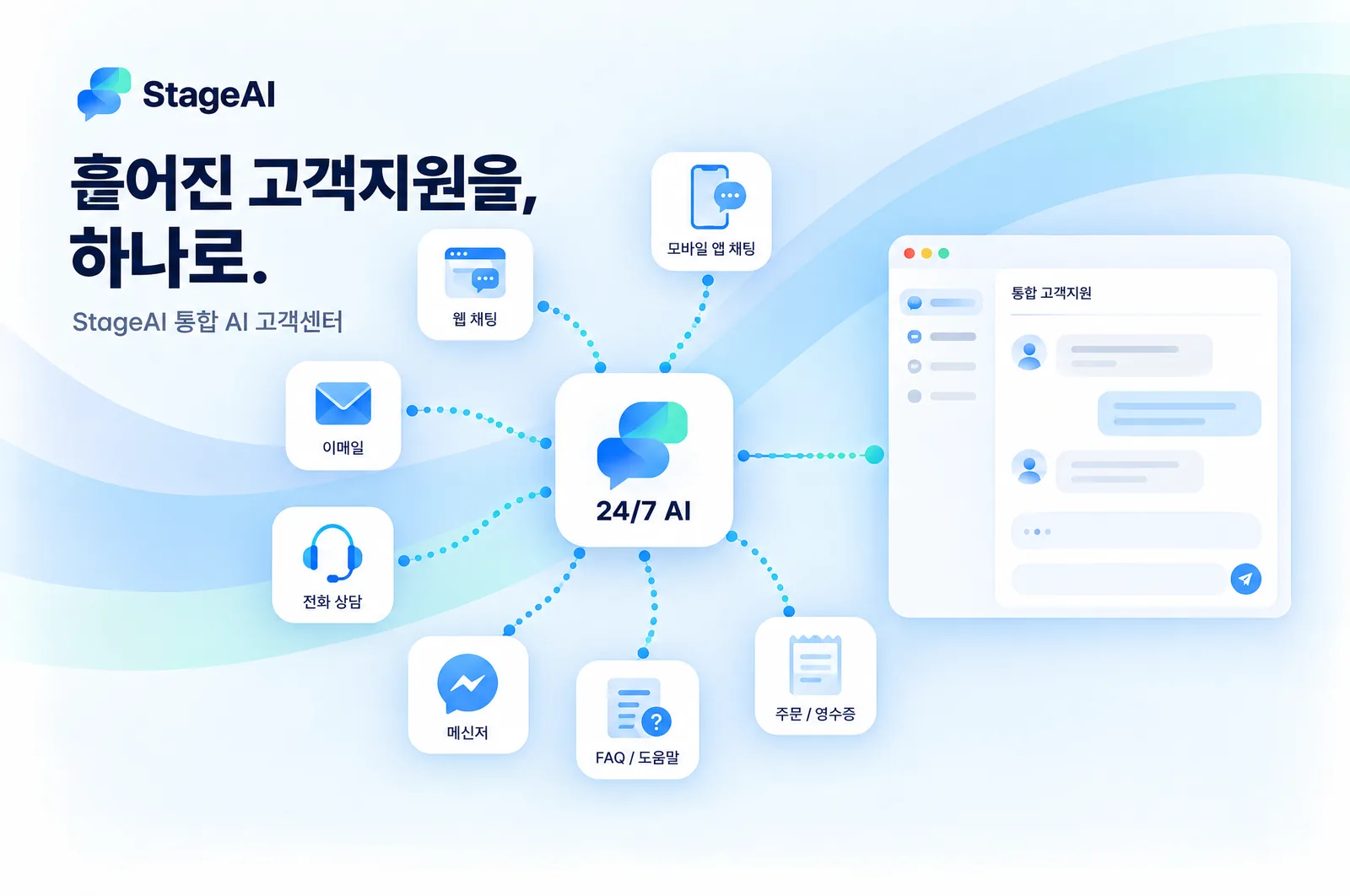
Web chat, in-app questions, email, call notes, FAQ boards and team messengers: as support channels multiply, answers and conversation history scatter across tools. StageAI brings channels, knowledge, business systems and support operations into one flow, so customers get consistent answers wherever they ask and your team continues every conversation from one place.
Bring web and app chat, email, inquiry forms and call notes into one conversation flow. Channels are connected step by step within the agreed scope.
Organize product guides, setup instructions, FAQs, notices and policies into one knowledge base, so every channel answers from the same source.
Connect order, booking and account lookups around customer authentication and permissions, instead of switching between admin tools.
Manage AI responses, handoffs, follow-ups and history as a single record. Whoever picks up the conversation, customers never repeat themselves.
Define answers around product guides, FAQs and operating policies. Route questions without sufficient evidence for further review.
Collect the destination, device and setup status needed to guide the next step without repeatedly asking the same questions.
Scope order lookups and other tasks around customer authentication and permissions. Separate read, change and approval operations.
Design follow-up workflows that pass the request summary and completed checks to the team responsible for exceptions or approvals.
Start with web and app chat. Additional languages, voice and external messaging connections are scoped during onboarding.
Review inquiry categories, answer sources and unresolved requests to improve knowledge and support procedures over time.
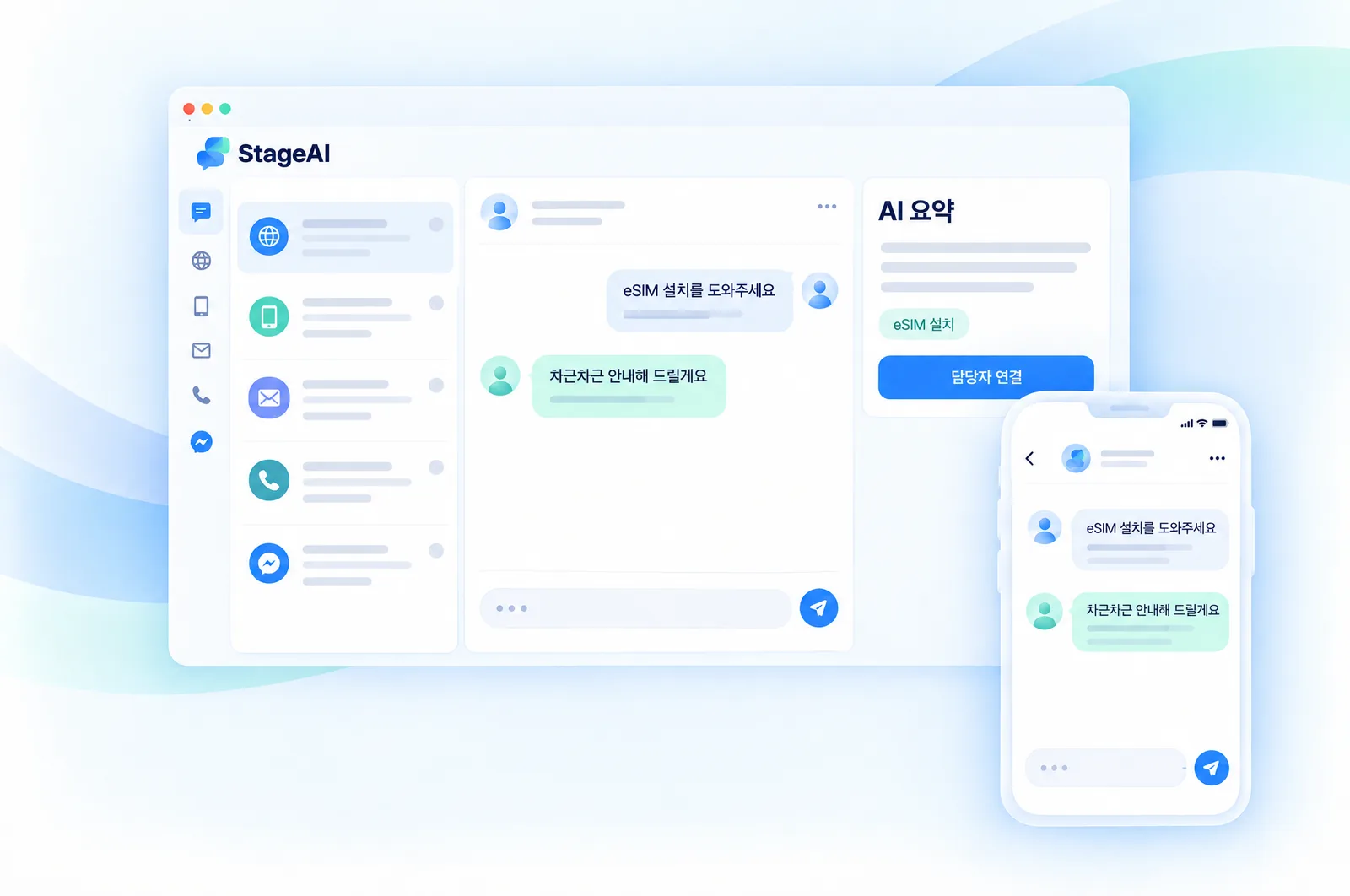
Whichever channel a question comes from, it lands in one inbox. AI summaries, completed checks and tags appear alongside the thread so your team can move to the next step without searching for context.
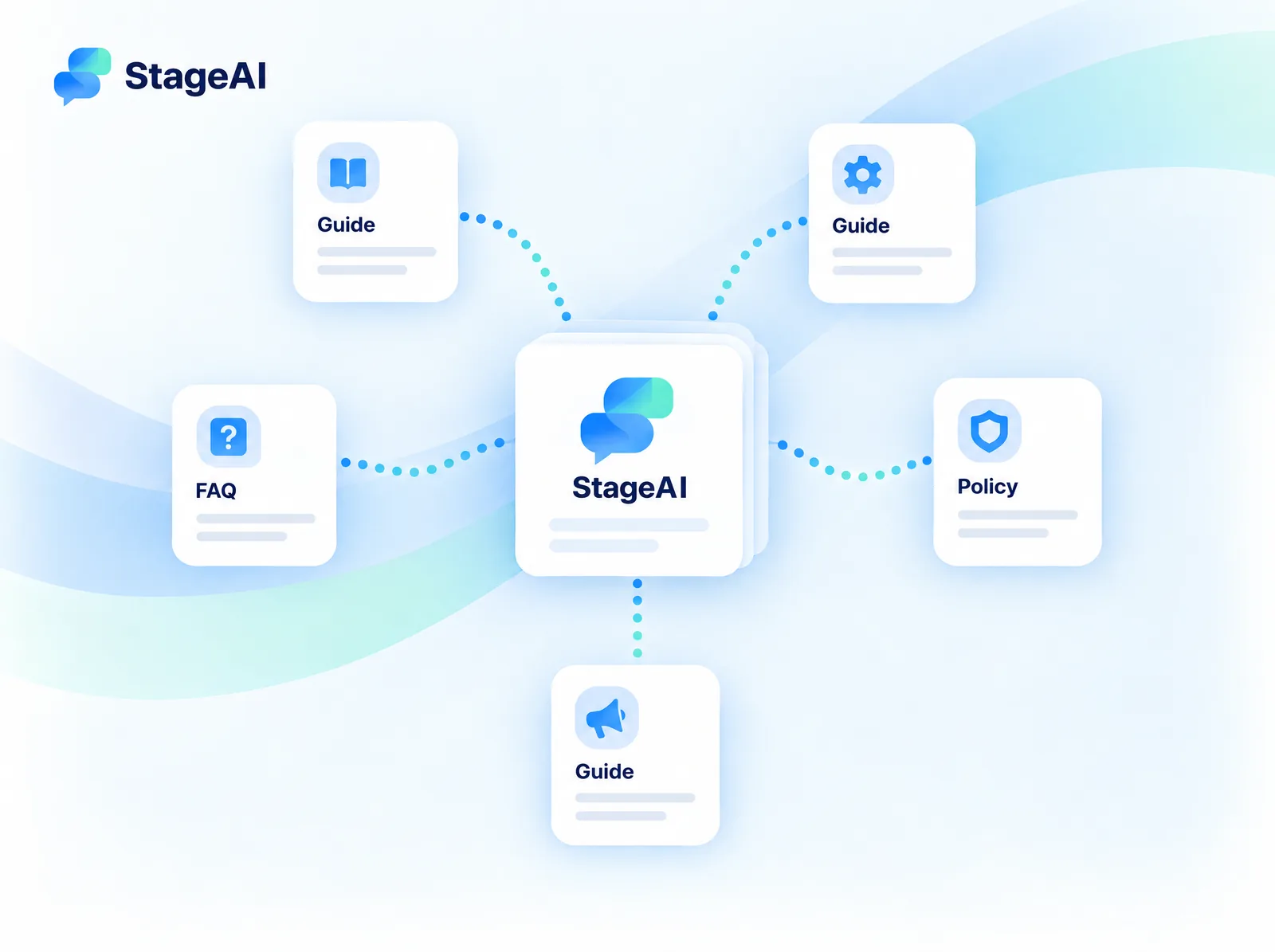
Gather guides, setup steps, FAQs, policies and notices so AI and agents answer from the same source. Update the knowledge base once and every channel reflects the change.
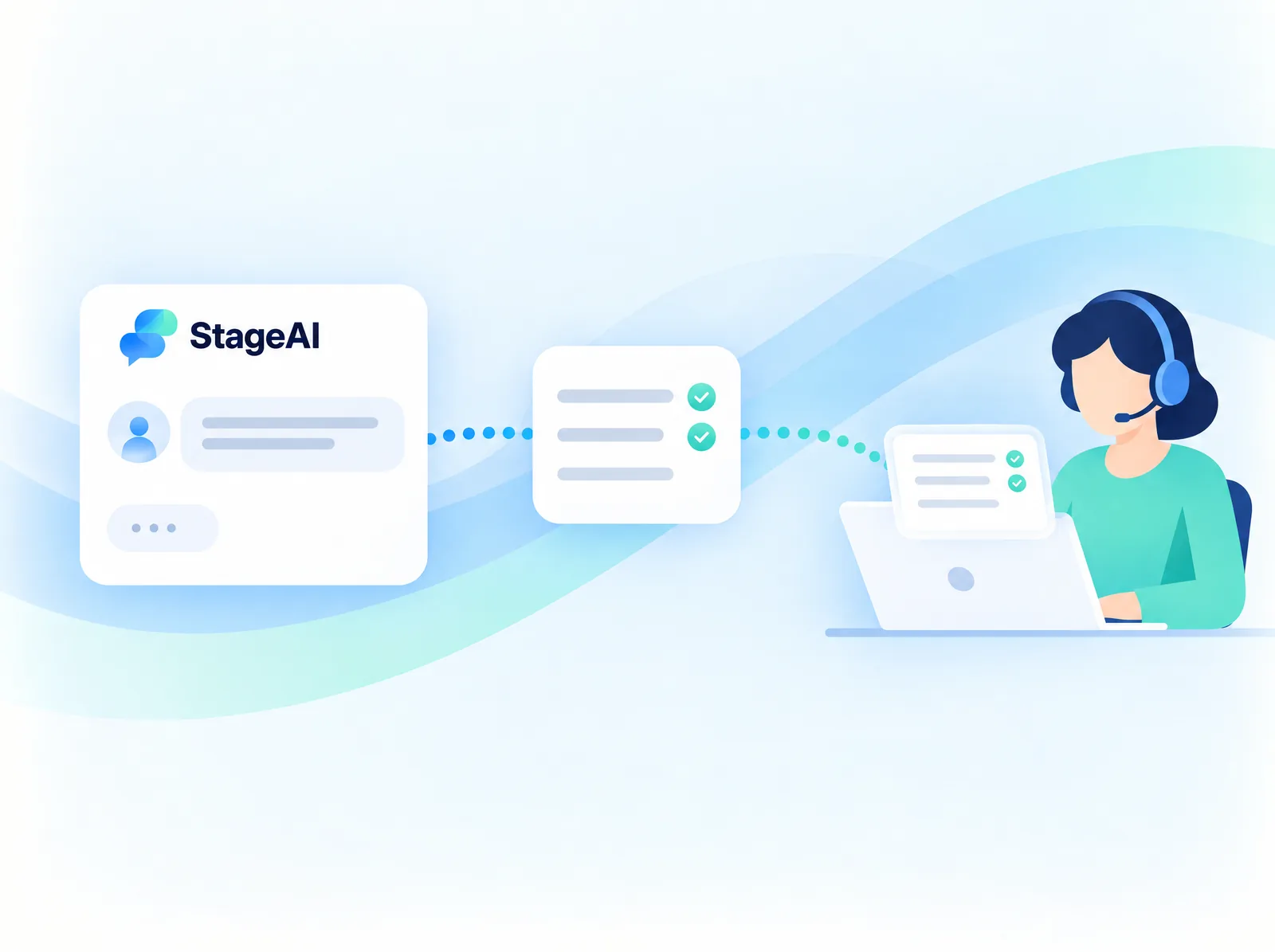
Refund decisions, exceptions and identity checks move to the right person together with a summary of what the AI already confirmed. Customers don’t repeat themselves; agents continue right away.
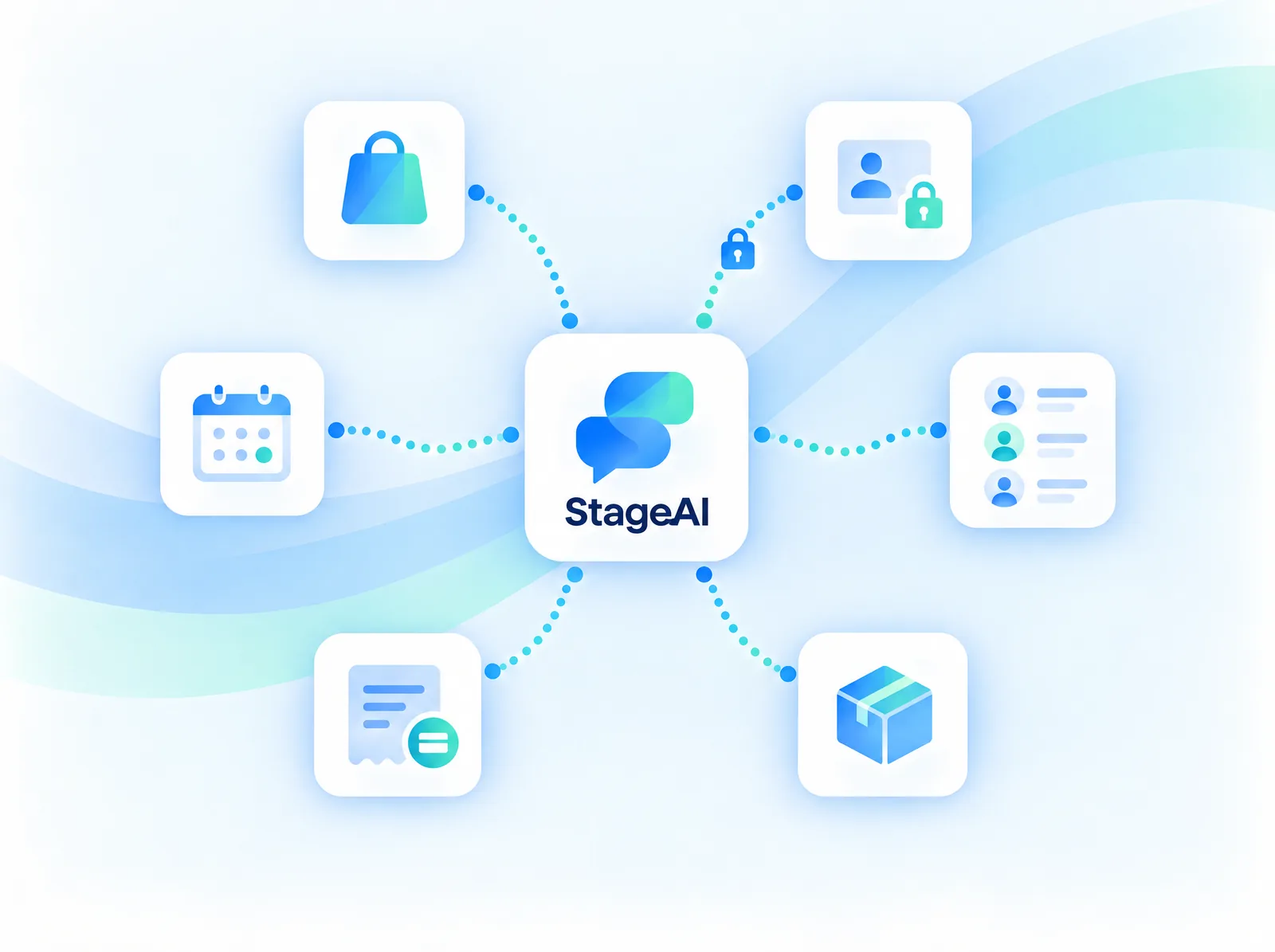
Connect order status, booking changes, account checks and payment or delivery information around authentication and permissions. Read, change and approval operations are scoped separately.
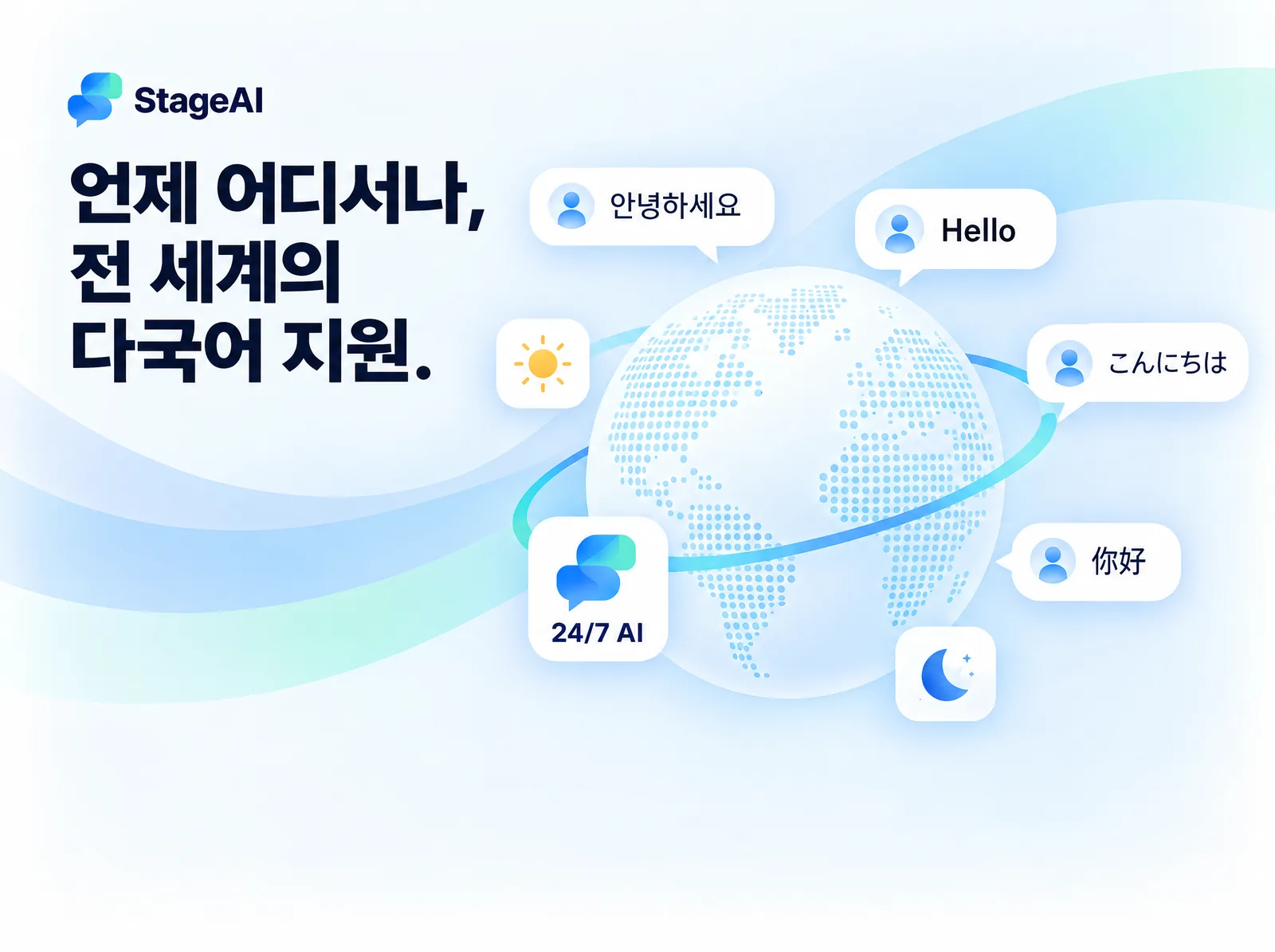
Respond when customers need help, from a late-night airport to a destination abroad. Multilingual support is designed around your service, and after-hours requests continue through follow-up procedures.
Guide travelers through device compatibility, eSIM installation, data settings, top-ups and roaming questions.
eSIM setup · Connectivity · RoamingHelp customers understand product conditions and device requirements, from choosing a plan to using it abroad.
Product conditions · Purchase guidance · SetupScope support around your own knowledge and processes: order updates for commerce, product guidance for SaaS or booking procedures.
Commerce · SaaS · ReservationsIdentify recurring questions and requests that need human judgment.
Prepare product guides, operating policies and answer sources.
Connect identity checks, permissions and follow-up procedures.
Validate common and exceptional scenarios, then improve from feedback.
Connect business knowledge and systems around web and app support. Define authentication, order lookups and handoff boundaries, then design the conversation flow. Voice, external messaging and additional languages are scoped for your environment.
Which questions repeat, and on which channels
Which knowledge each AI answer relied on
Questions the AI could not resolve or handed off
Agent outcomes and customer notifications
AI Contact Center connects automated responses with service knowledge, business systems, human handoffs and support operations. StageAI brings this approach to travel and eSIM inquiries.
No. We start from the channels, support tools and systems you already use and connect what is needed first. We recommend unifying knowledge and conversation flow first, then extending channels and integrations step by step.
Always-on describes the intended availability of automated support across time zones. Refund approvals, identity checks and third-party operations follow separate procedures. Availability and support commitments are defined during onboarding.
Web and app chat are the starting point. Languages, voice, external messaging and CRM integrations are scoped for each deployment rather than promised as universal defaults.
Yes. Share your industry, channels, inquiry volume and required integrations. Scope and pricing depend on knowledge preparation, channels and operating requirements.
Tell us about your support questions and systems. We will define the appropriate AI response and operational scope together.
contact@stageupcorp.com ↗